Local food business
Events and orders that run off the owner’s own calendar
Cheesecakes by Ashley, Knoxville, TN
Nearly $2,500 in orders in just over a month
Nearly $2,500
In orders in just over a month, measured in Square
3 ways to order
Pickup, delivery, or meet the truck at an event
$0 a month
No software bill. Only Square’s card fees
Figures as of November 2026.
The problem
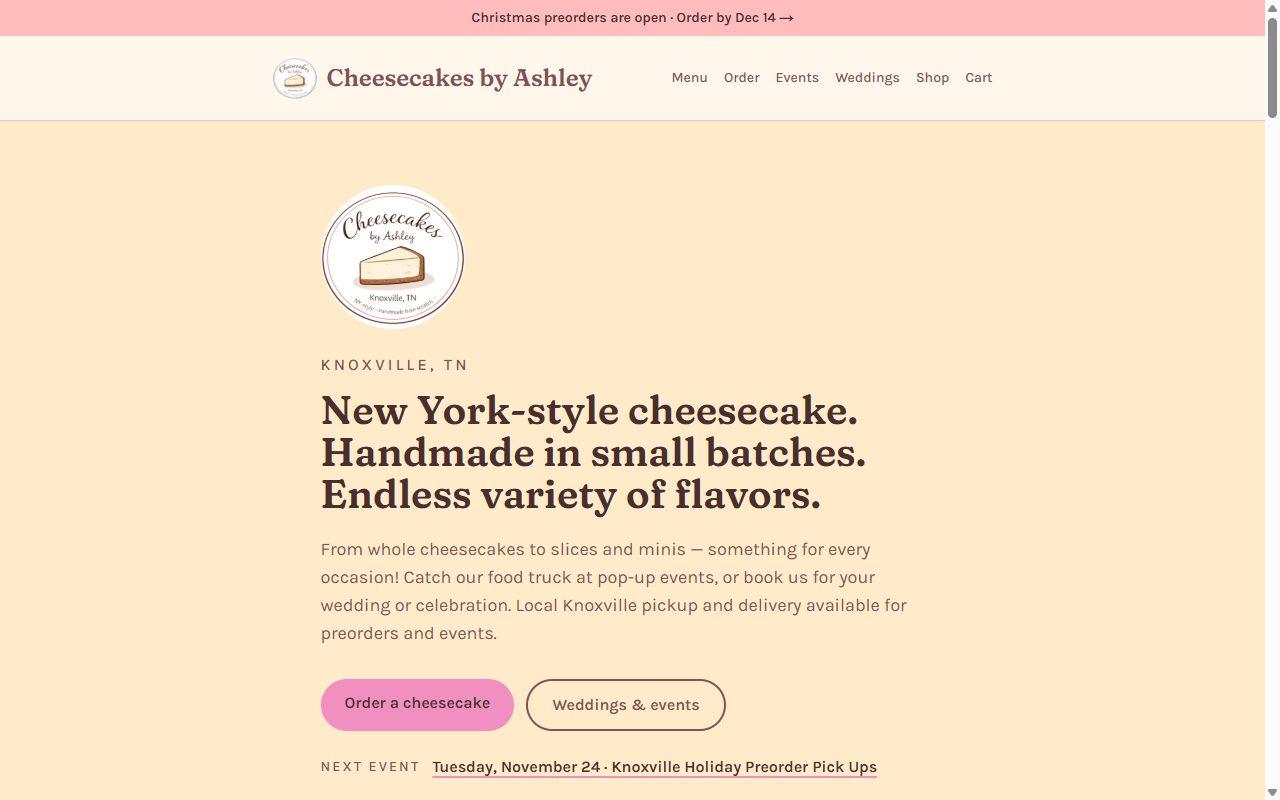
Ashley sells New York-style cheesecake in Knoxville, Tennessee, from a food truck at local events, and takes orders for pickup and the holidays.
Before the new site, her online presence was a link page pointing to her social accounts, plus one Jotform for orders. If you wanted to know where the truck would be on Saturday, you had to catch the right post.
The form couldn’t tell a pickup order from a delivery. It couldn’t stop taking orders at a deadline, or handle a holiday pre-order with a set pickup window. All of that was left for Ashley to sort out herself.
What I built
A website that shows where she’ll be and lets people order ahead, run from a tool she already uses every day: her Google Calendar.
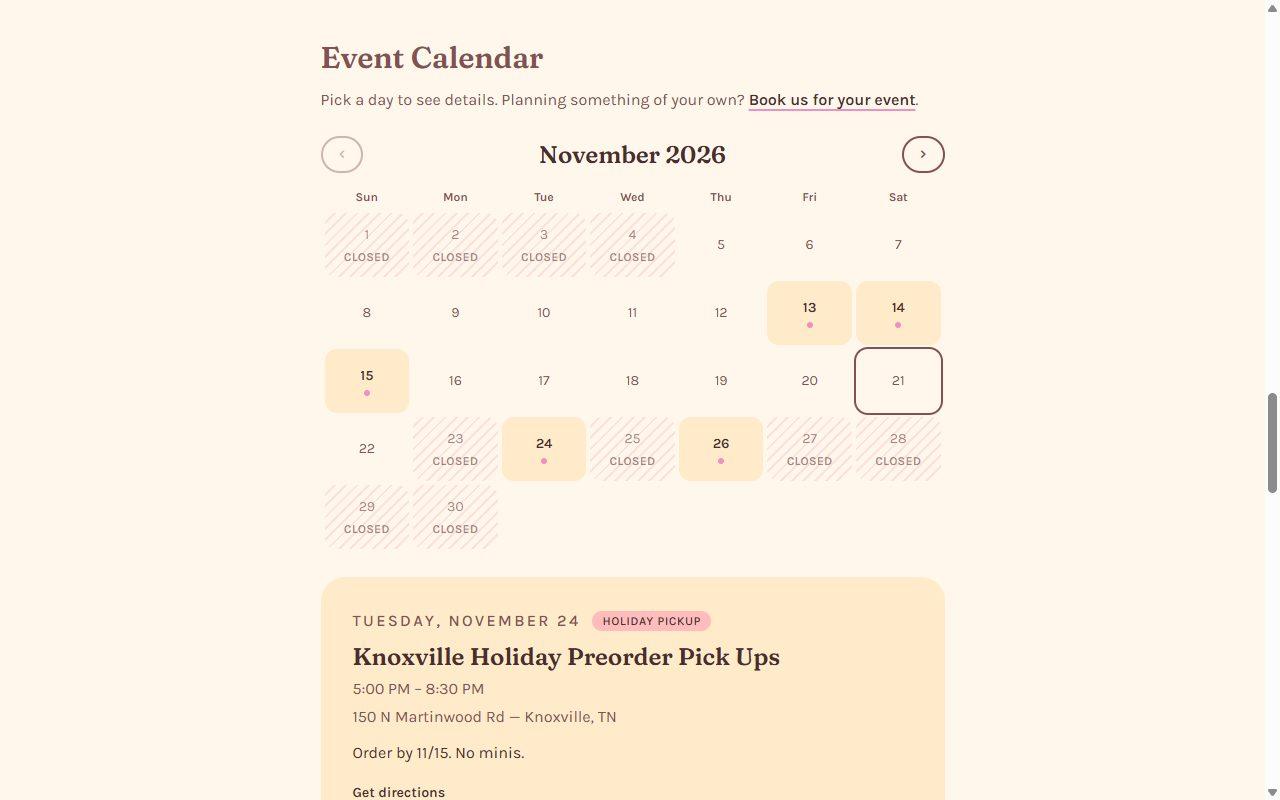
She keeps two calendars. One is her schedule: every truck event she adds there shows up on the site’s calendar for customers. The other is for holiday pickups, where each event is a window for customers to pre-order and come collect.
For anything special about an event, she writes a rule in the event’s description. One line can turn off mini cheesecakes for that day, or set the last day to order. The site reads those rules and changes what customers can order.
How it works
- 1Ashley adds an event to her calendar
- 2The site lists it and opens orders
- 3Customers order and pay online
- 4Ashley bakes and hands it over
- 1
Ashley adds an event to her calendar
The same way she’d add any appointment: where, when, and any rules in the description.
- 2
The site updates on its own
The event appears on the public calendar and opens for orders. Nobody edits the website.
- 3
Customers choose how to get their order
Pickup, delivery, or meet the truck at the event. They pay by card through Square when they order.
- 4
Ashley fills the orders
Her time goes into baking and handing them over, not into collecting and sorting them.
What it changed
In just over a month live, the site took nearly $2,500 in orders, measured in Square. Most of that came in about one week of Thanksgiving pre-orders, exactly the kind of order her old form couldn’t handle.
It costs her nothing to run beyond Square’s card processing fees. There’s no monthly software bill.
What I’m proudest of
I took a crucial part of her business off her plate. She worries less about collecting and organizing orders, and more about simply filling them.
Technical details, for the curious
- Next.js site hosted on Vercel.
- Reads two Google Calendars (schedule and holiday pickups) and renders them as a public event calendar.
- Parses rules from each event’s description, such as an order deadline or excluding mini cheesecakes, and applies them to the order options for that event.
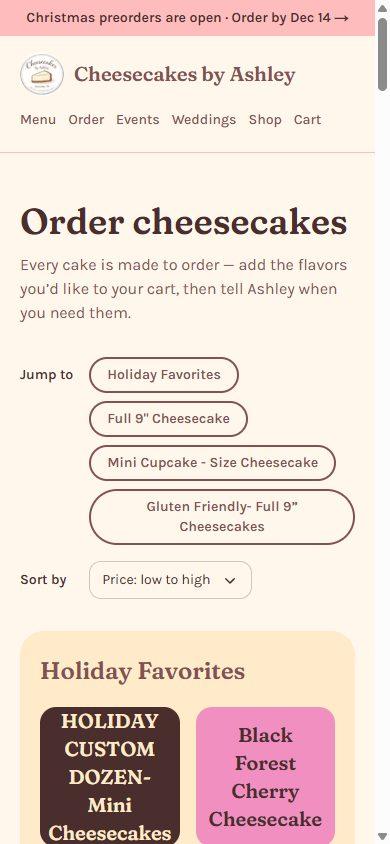
- Three order types: pickup, delivery, and pre-order to collect at an event.
- Payments through Square.